Our rating
|

User rating |
 (2) (2)
Popularity |
XP/Vista/7/8/10/11 |
 December 19, 2025 December 19, 2025  438 views, 34 DLs, 438 views, 34 DLs,  3 3 |
|
IObit Uninstaller 15.2.0.2 ...
|
|


Software uninstaller
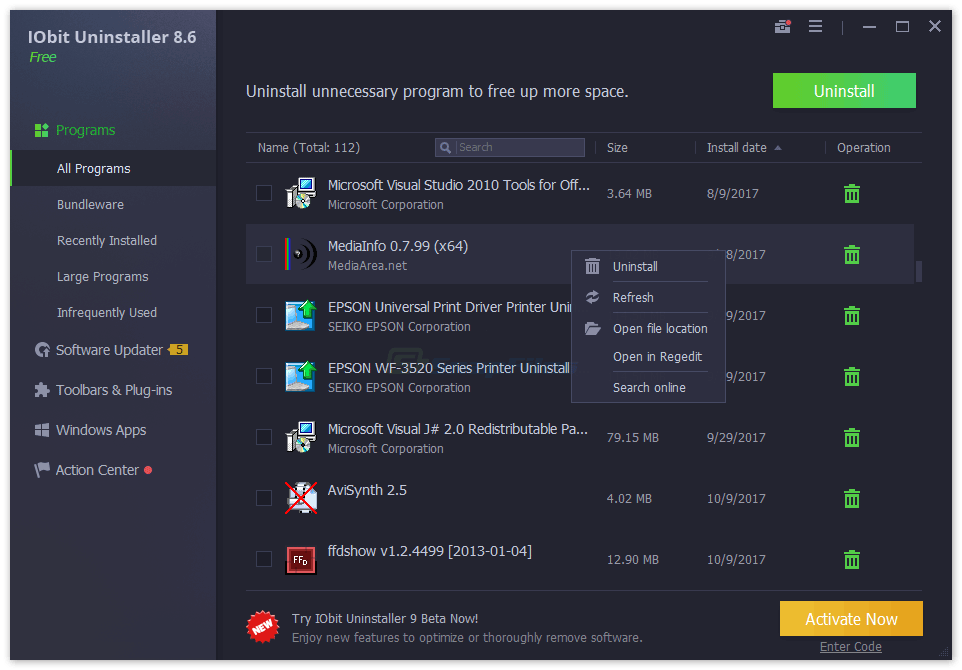
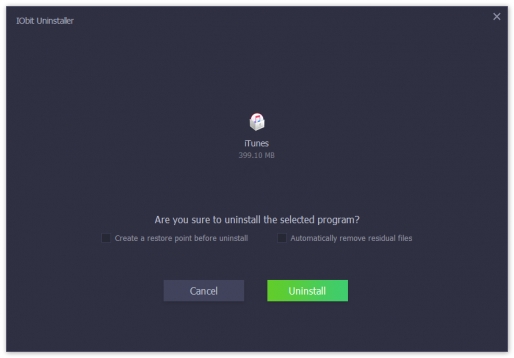
IObit Uninstaller is an alternative to the standard Windows Add/Remove applet. It offers a categorized overview of your applications, a batch uninstall option and an Advanced Uninstall Mode.
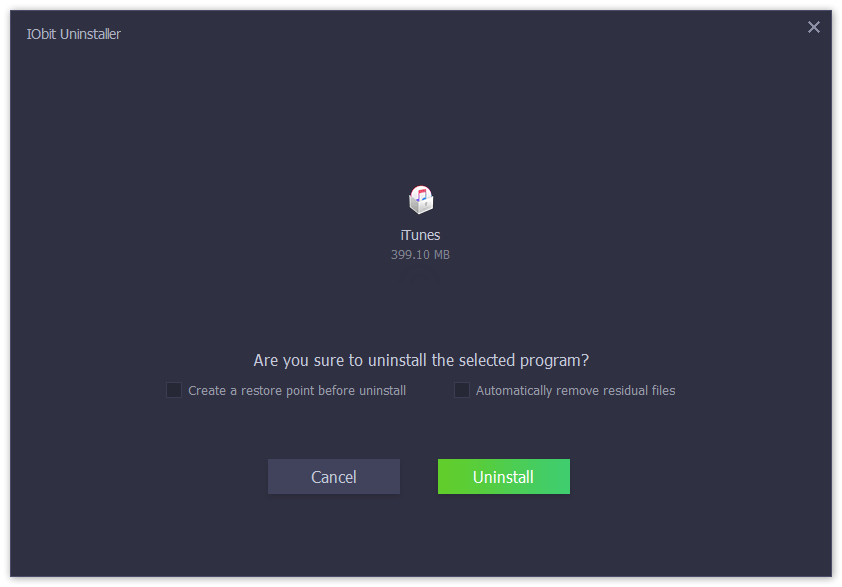
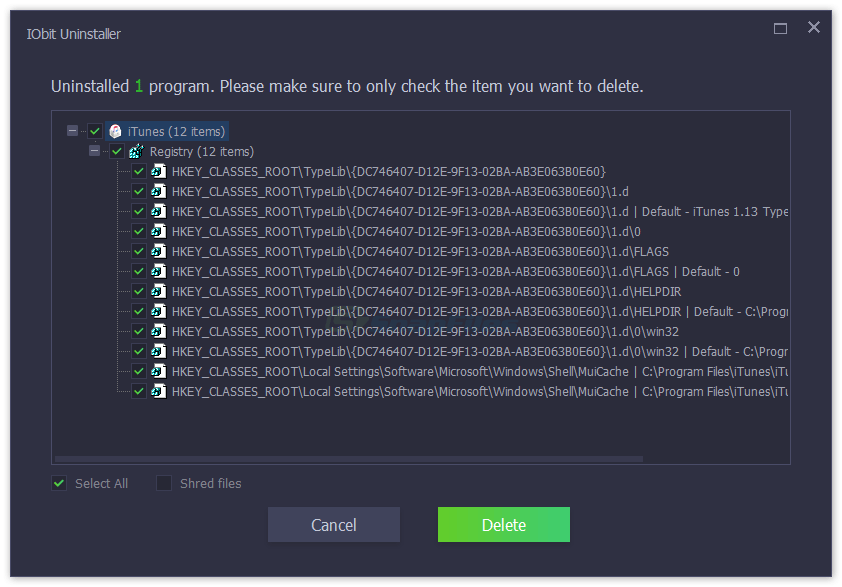
In Advanced Mode, the program runs the standard Uninstaller to remove an application, and then scans for leftover files, folder and registry items, which you can choose to remove as well.
Other features include support for browser plug-ins, uninstall logs, batch uninstalls and a built-in file shredder for secure file deletion.
|
Posted on:
December 19, 2025
System requirements:
XP/Vista/7/8/10/11
This program offers to install promotional, third party software. Installation of these products is optional but you should pay close attention to avoid installing any unwanted software.Changelog:
We don't have any change log information yet. Sometimes publishers take a little while to make this information available, so please check back in a few days to see if it has been updated. ... Verified:
 No Virus No Virus
No Spyware No Bundle No Adware
|
----------------------------------------------------------------------------------------------
----------------------------------------------------------------------------------------------
 Comments 3 Comments 3
 |
IObit Uninstaller is the best uninstaller you can have. IObit will perform a "deep scan" to search for any left overs and remove them. You also have Geek Uninstaller which is # 2 in my opinion. And Revo Free is also good but hasn't been updated since 2013 and does not support 64 bit programs. Revo has put it's efforts into their paid version and the FREE version has been practically abandoned.
Also, even if you use Windows Program Uninstaller IObit will perform a deep scan to search for left overs. There are others that have many options but if you want a "clean uninstall" of a program then IObit is the tool you need. Give it a try... enjoy ... |
|
|
Running it for the first time automatically installs its updater in its own folder without telling you. God knows what else it tried to do without my knowledge; I just used Revo Uninstaller to get rid of it quick smart. I don't trust software that tries to do stuff behind your back... |
|
|
Revo Uninstaller is my number one uninstall program, but Revo has a slight flaw where there are some programs that it cannot detect. No matter when you have IOBit as a backup because IObit "see's" practically EVERYTHING that has been installed into your System, and it is very highly rated by a lot of people. Thumbs Up! |
 Note: Note:
Guests comments are allowed ...
|
|
|
|
|
|
|
|
|